Some tools I use are free and some I pay a small fee for. I was loathed to spend any money when I started out, and no one should feel like they have them to make their blog a success, however, I have found that since making smart decisions on where to invest, I have seen a huge growth in traffic and visibility, and therefore more paid work and passive income, both of which are my end goals. If that’s not your goal, some of the tools can still help, particularly the design and scheduling tools. Some of the following are affiliate links, meaning I get a small commission if you purchase anything through my link, however, I only recommend things I use and find helpful myself.
Blogging Tools
Mailerlite – I use Mailerlite for all my emails on the free version so far. It’s free for up to 1000 subscribers, I did get over 1000 a few times, but I am only interested in subscribers that open and read my emails, so from time to time I will have a little clear out. So far it’s great, I understand it and it makes sense to me. I can easily provide content upgrades and free downloads to my readers, design forms, and send emails in a plain and simple format. I’m also going to be using it for my online courses. After you get to over 1000 subs, the plans start at ∈9 a month, but it’s well worth it if you want to grow your email list and offer some sort of digital product or download. It didn’t take me long to suss it out, so if you have any questions about it I’m happy to chat to you.
I use Lyrical Host for my blog website host, I used to be on the free wordpress.com platform when I started, then I migrated over. I’ve always found them helpful and available and haven’t had any issues. You can chat via live chat or email them any time. They have a super friendly Facebook group and their support is invaluable, particularly tech support. You can use my code SECRETS10 for 10% discount on hosting or domain names.
Canva – canva is my go-to for graphic designing and I love using it. If I have my photos edited, I upload them to canva and then pick a layout to tinker with or start from scratch. It’s free, and you can design Pinterest graphics, Youtube thumbnails, Facebook posts, Ebook covers, Infographics, ads, and more. You can upgrade to Canva pro, which gives you a brand palette and you can upload extra fonts, add team members and customise dimensions. You also get access to pro templates and images. I use the images a lot for stock photos and to stand out.
Evernote – it’s a notes app where you can write on the go, and then it syncs anywhere, so your notes will be immediately available on your PC too. I have my Instagram hashtags, notes for post drafts and anything else I want to save while I’m on the go. The free option syncs with 2 devices and you can upload 60MB per month, with a note size limit of 25 MB. I’ve not exceeded it yet.
Creative Market – every Monday they have 6 free downloads of fonts and graphics, which you can then use for your blog graphics in one of the design apps above. They also have loads of graphics and fonts for really low prices. Particularly good if you want to do logo design and have different graphics than the usual templates. You can sign up for free to their mailing list and every Monday you get the freebies. You can also sign up to be an affiliate.


Missinglettr – I use this to schedule my posts to Twitter, Facebook posts, LinkedIn and Medium. They also create campaigns like evergreen, seasonal, and curated content. They create quotes pulled from your blog post. It’s really good.
I use Tailwind, I signed up for a free trial account as I already had the now defunked boardbooster and it worked so well. The communities are free but you can sign up for the Tailwind plus plan, which has 4 months free and gives you unlimited scheduling functions, for $119 a year, or $15 a month. The communities work a bit like group boards, where you share and re-pin in your chosen niche. They have a good AI facility now too.

My Affiliate networks
Affiliate window, now known as AWIN is my main affiliate network and has many UK retailers and websites you can use for promotion like House of Fraser, Boots, Etsy and The Entertainer to name a few. You deposit £5 to sign up which then goes on your balance and once you get to £20 you can withdraw the money, so you get it back. You have to apply to each retailer, or you can install convert-a-link to your blog which converts all the links for you. I’ve had a couple of payouts now, you can use text links or banner ads.
Ebay – you can apply to their partner network, then use text or banner ads. You can advertise anything!
Share-a-sale – a US site that has a lot of useful affiliates
Amazon affiliates – very useful, you can promote just about anything. The commission is usually quite low but if you get it right it’s a winner. I use text links to searches or products via the site stripe, a search widget in my sidebar and I have the plugin to quickly and easily put in a product carousel directly into the end or middle of my posts (see example below my signature).
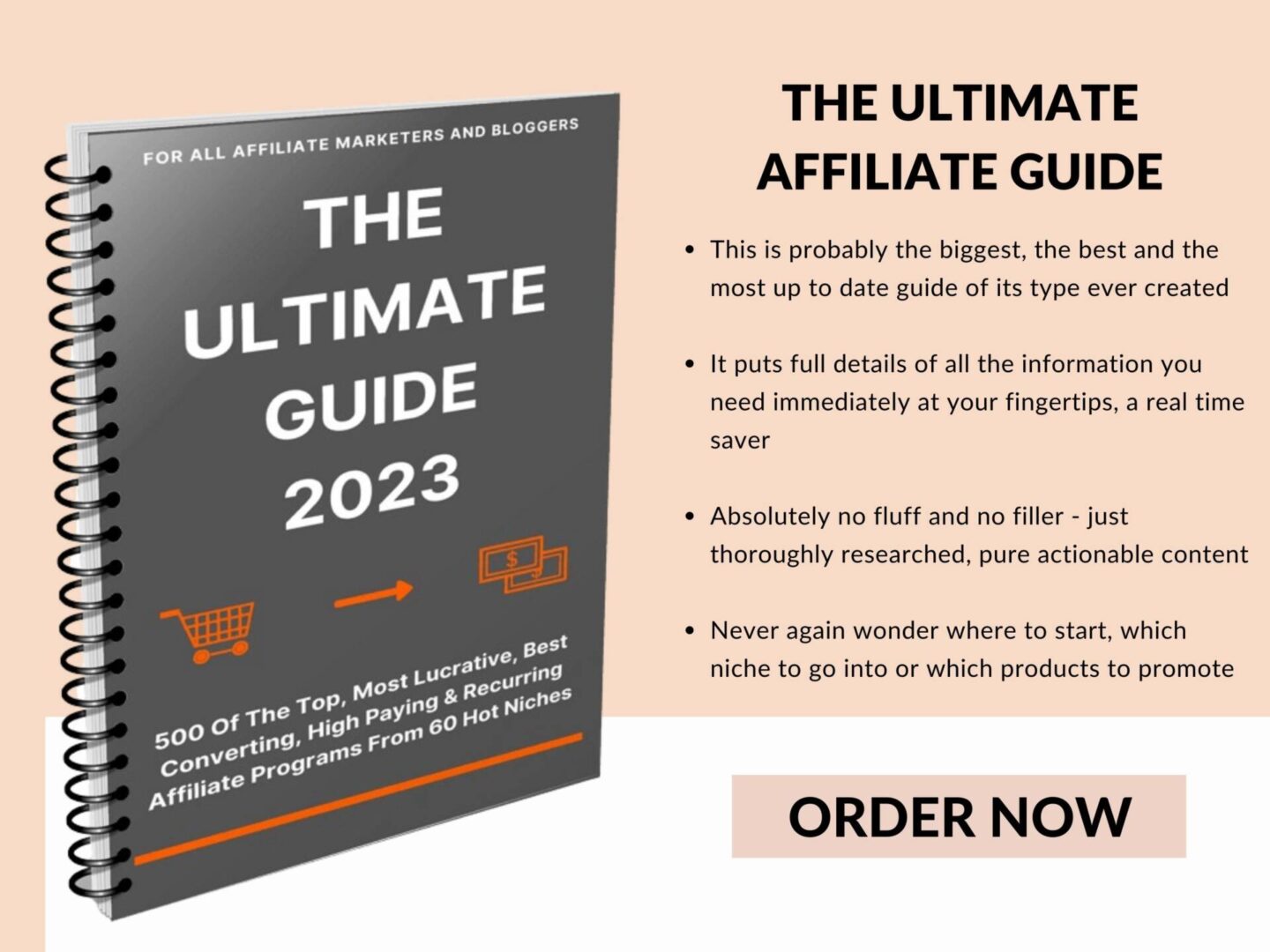
If you would like to make the most out of monetizing with affiliate marketing, but you’re not sure which programs would be best, I have made an ebook for you with 60 red hot niches containing full details of 500 of the top, most lucrative, best Converting, high paying and recurring affiliate programs. It is only £4.99 and will give you a head start no matter what your niche is.