
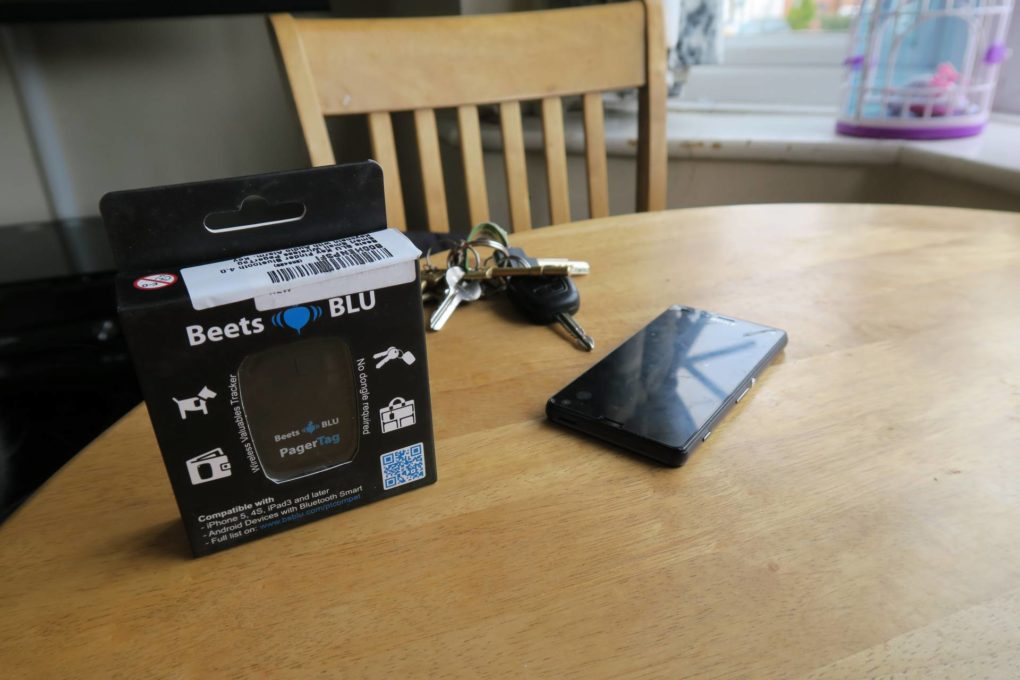
How many times a day do you lose your phone? Your Keys? Your purse? For me, multiple times a day. My phone is pretty much glued to me (I have an addiction) but I still manage to lose it. Keys are the worst, we have a key hook, if I’ve remembered to put them on the hook, great, if not then we have a problem. When I was approached by Beets Blu to take a look at their valuable finder app and tag I was more than willing to give it a go.
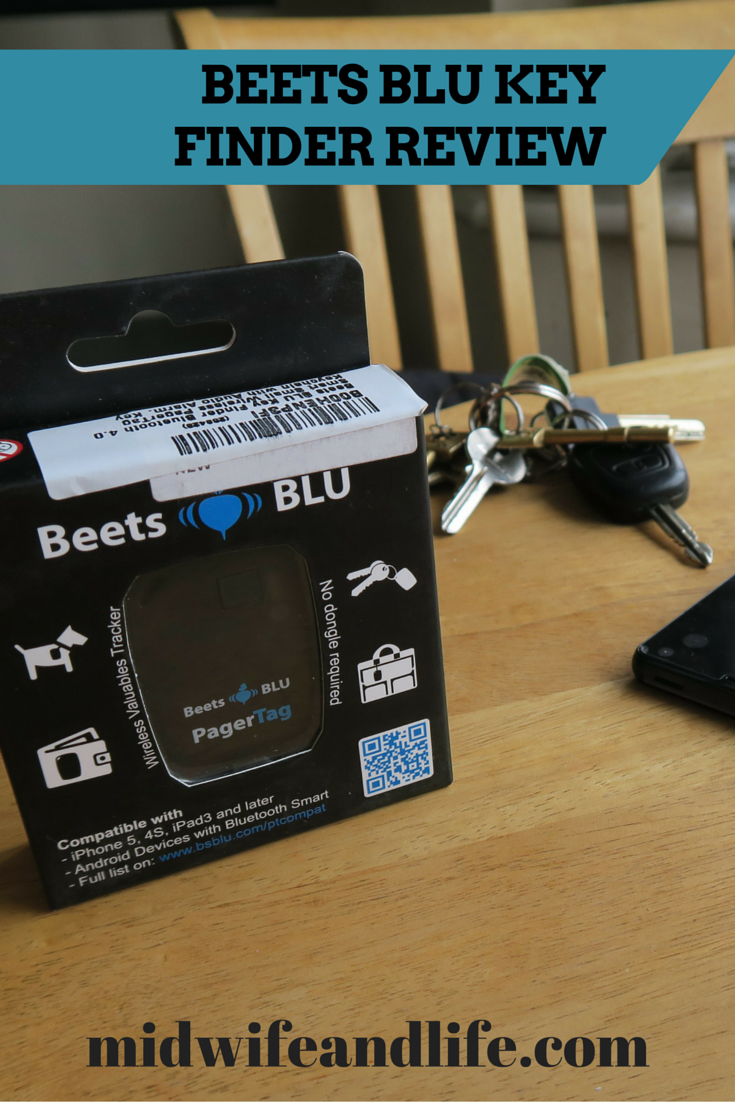
How does the key finder work?
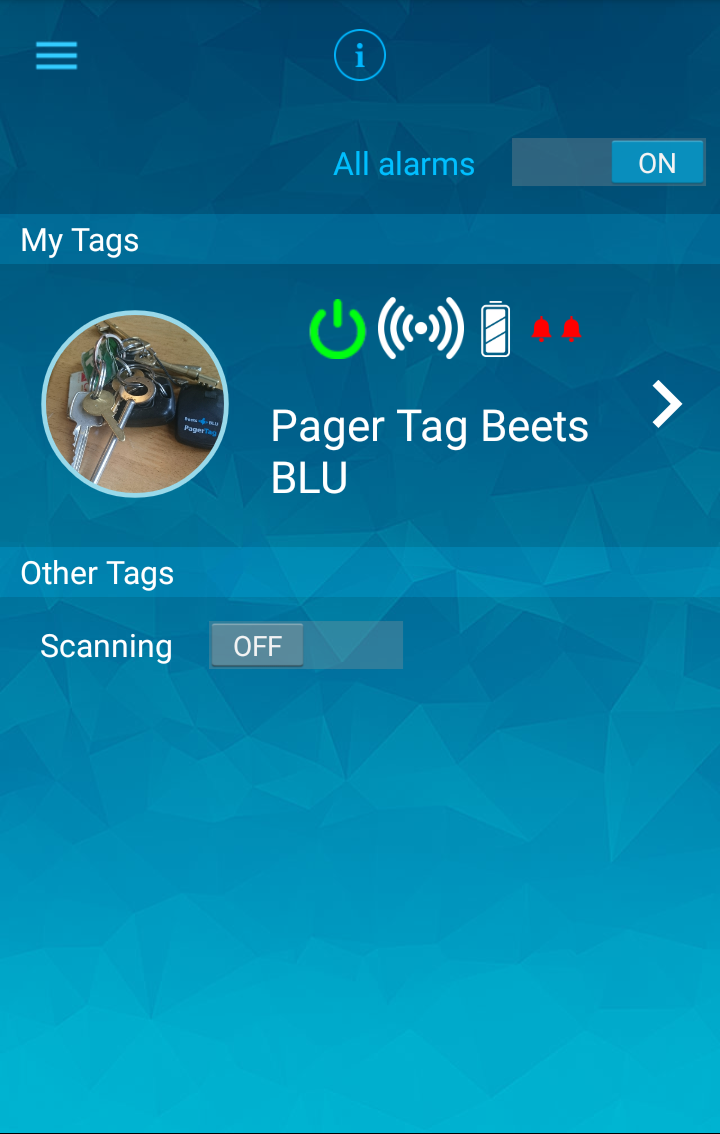
you download the free app to your iPhone or android phone and you can buy the key finder from amazon, currently £20. This is a screenshot of the app in use, you can personalise the picture of your keys or whatever you’ve attached the tag to like I’ve done below, or leave it as a generic tag picture.

You can switch it so that the pager tag will alarm from the phone so you can find your keys or so that the phone will alarm from the tag. You just have to remember which one you’re going to lose! For me, I’m more likely to lose my keys than my phone, so I’ve just left it set to alarm on the tag. You can have more than one tag which you can attach to pretty much anything – purse, bag, laptop bag, suitcase, whatever you’re likely to lose! I just press the volume button to hear the alarm on the key fob and follow the sound, then click the volume off button to end it.
I’ve used it a couple of times so far and can see it coming in handy, especially when I’m trying to leave the house and everything is conspiring against me.
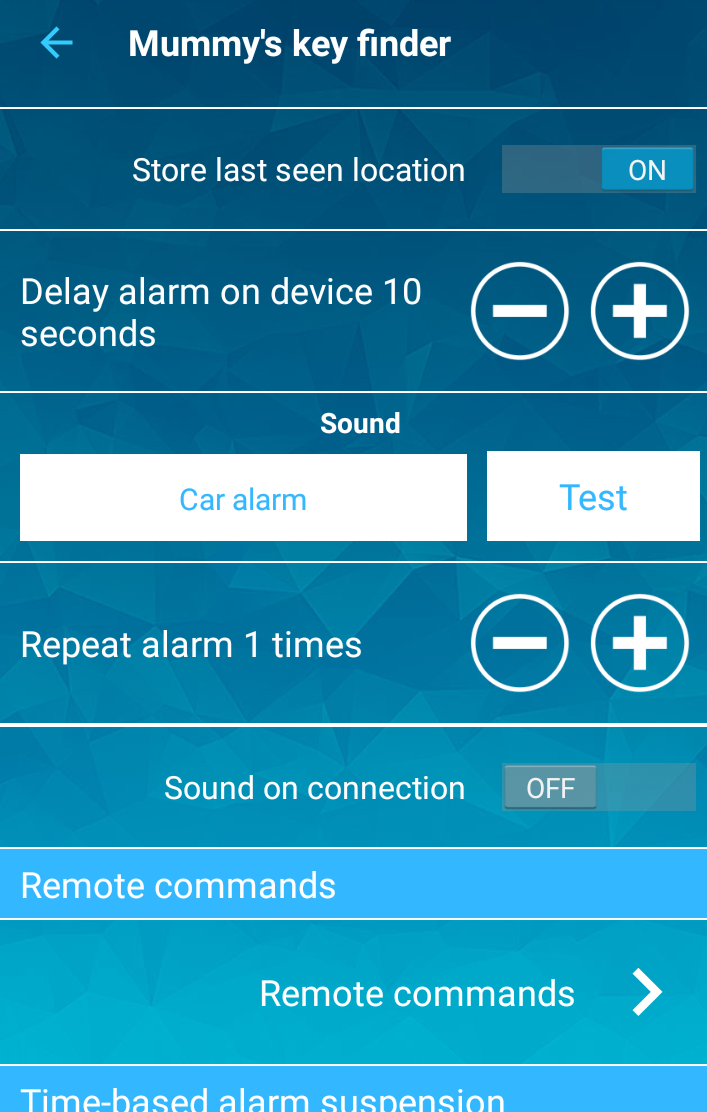
You can change the alarm sound, and as you can see, I’ve changed the name of the app to ‘Mummy’s key finder.’
You can choose which sound the alarm makes from a range of options, I think it could be a little louder, I imagine if the keys are really hiding or if your toddler has wedged them somewhere extra special you might not hear it so well. You need a bluetooth connection, which if you leave running on your phone can sap the battery, and no battery = no chance! I like the fact that you can customise your options, and it can be attached to different things you might lose, it’s simple to set up and get going straight away. The pager tag doesn’t come with many instructions though apart from how to pair up the device, you have to figure out the app by yourself. Happy hunting!
Thank you for reading - if you enjoyed this content, please consider buying me a coffee here or browse my Amazon wishlist I really appreciate your support and it helps to keep the site running and for my time 🙂
2 Comments
Losing my key is one of my bad things. It happens many times. So sad.
March 7, 2016 at 11:00 amMauri recently posted…Best Tips to Remove Speed Issues in Your Ceiling Fan
This device is awsome, i am known for always loosing my keys.
March 20, 2017 at 8:35 amJanet recently posted…Energy Efficiency in Ceiling Fans